
Your Mac, in your pocket
Control your Mac from iPhone with
touchpad, keyboard, and agentic AI control.
touchpad, keyboard, and agentic AI control.

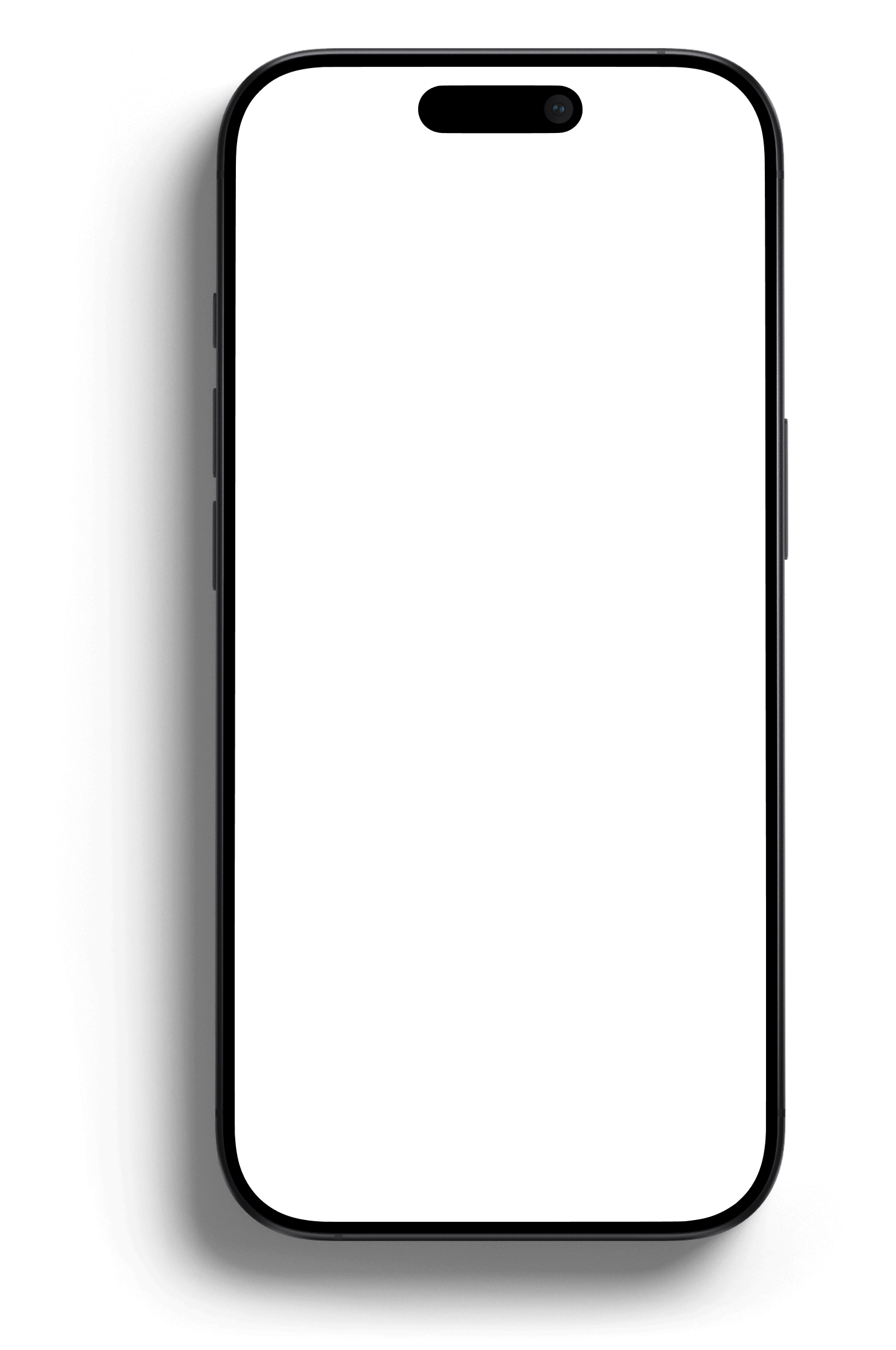
Loved by Mac users who work from their phone


how it work
Control your Mac in three simple steps
1

Install Maccess
Get the iPhone app and install Maccess Helper on your Mac to start.
2

Pair your devices
Enter the passcode or scan the QR code on your Mac to connect them.
3

Control your Mac from iPhone
Touchpad, keyboard, Apps, Mirroring, and Agentic AI from anywhere.

“Finally, I can control my Mac from my phone without the hassle.”
Jordan — iPhone & Mac user

Your Mac, anywhere
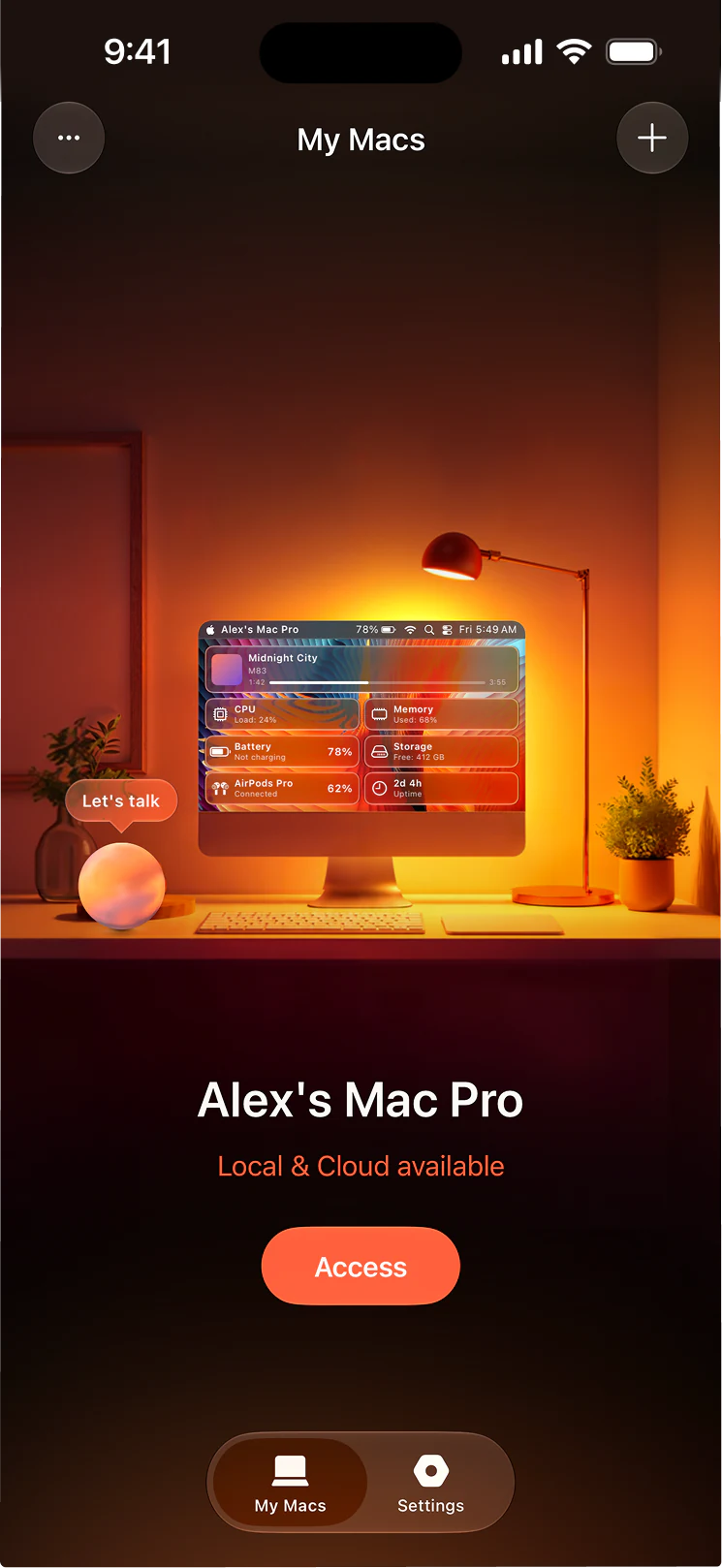
Sign in once and your trusted Macs stay reachable from anywhere, not just at home.

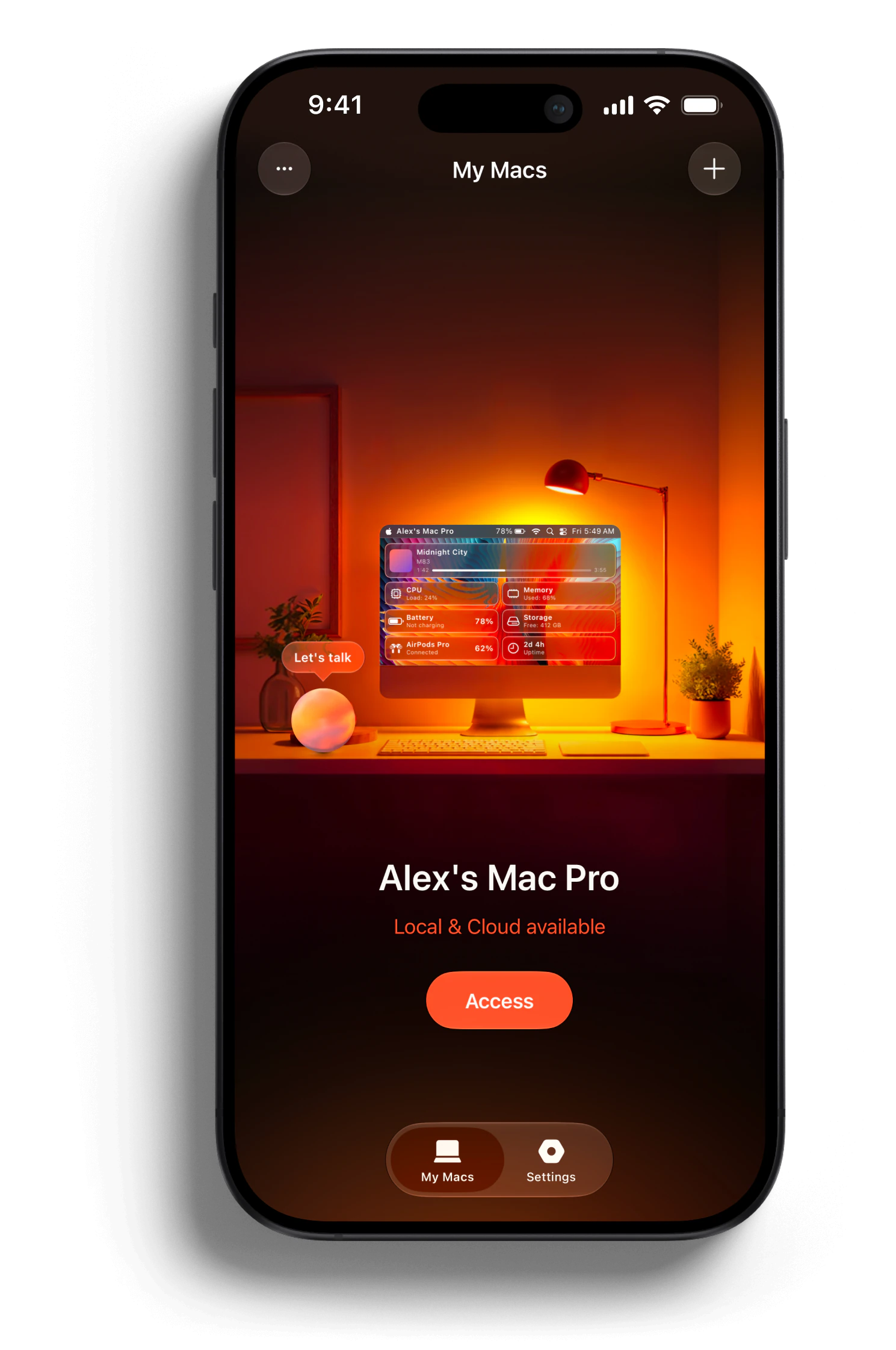

Pair over Wi-Fi
Maccess finds Macs on your network so you can pair and connect in seconds.

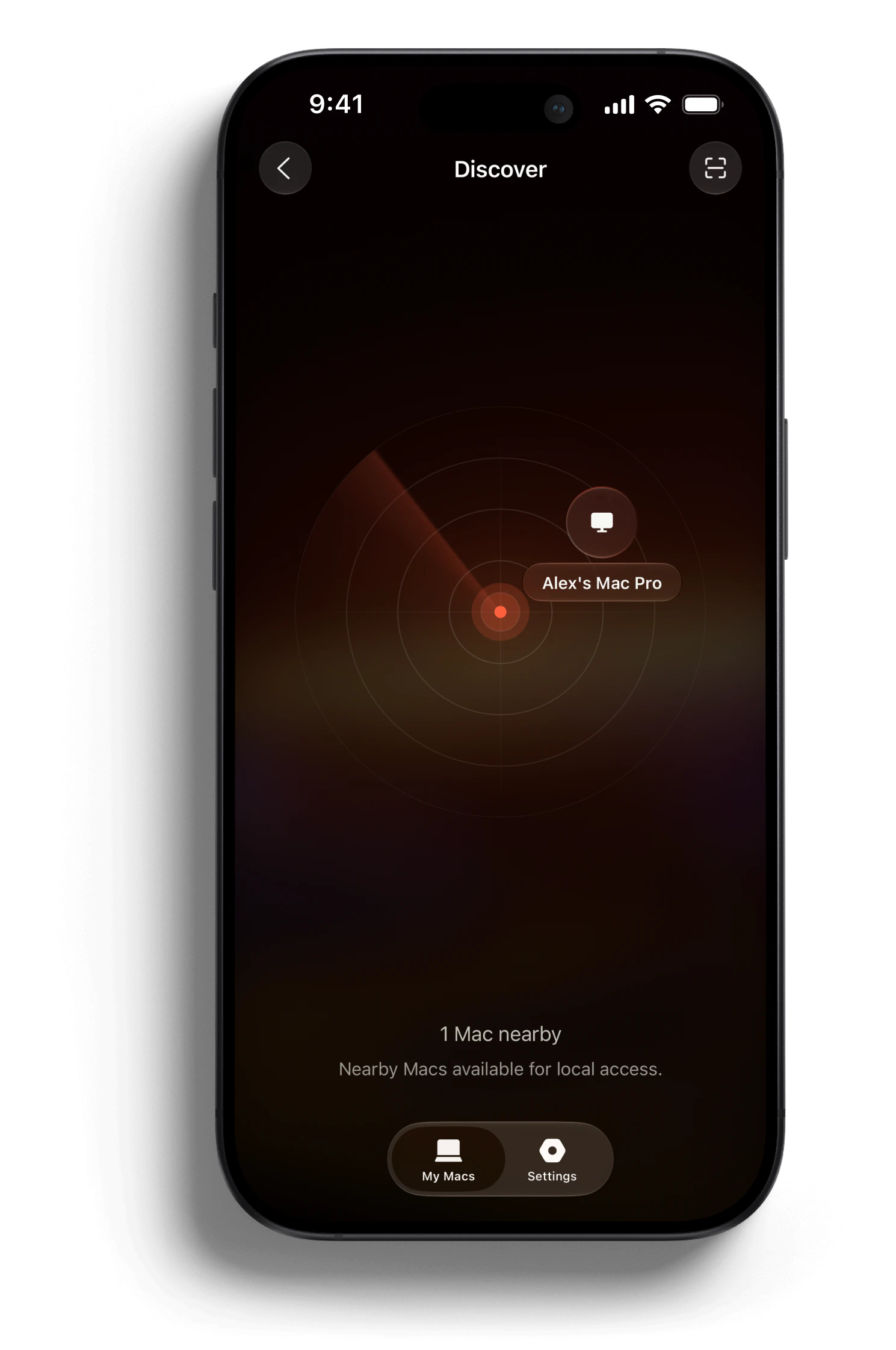

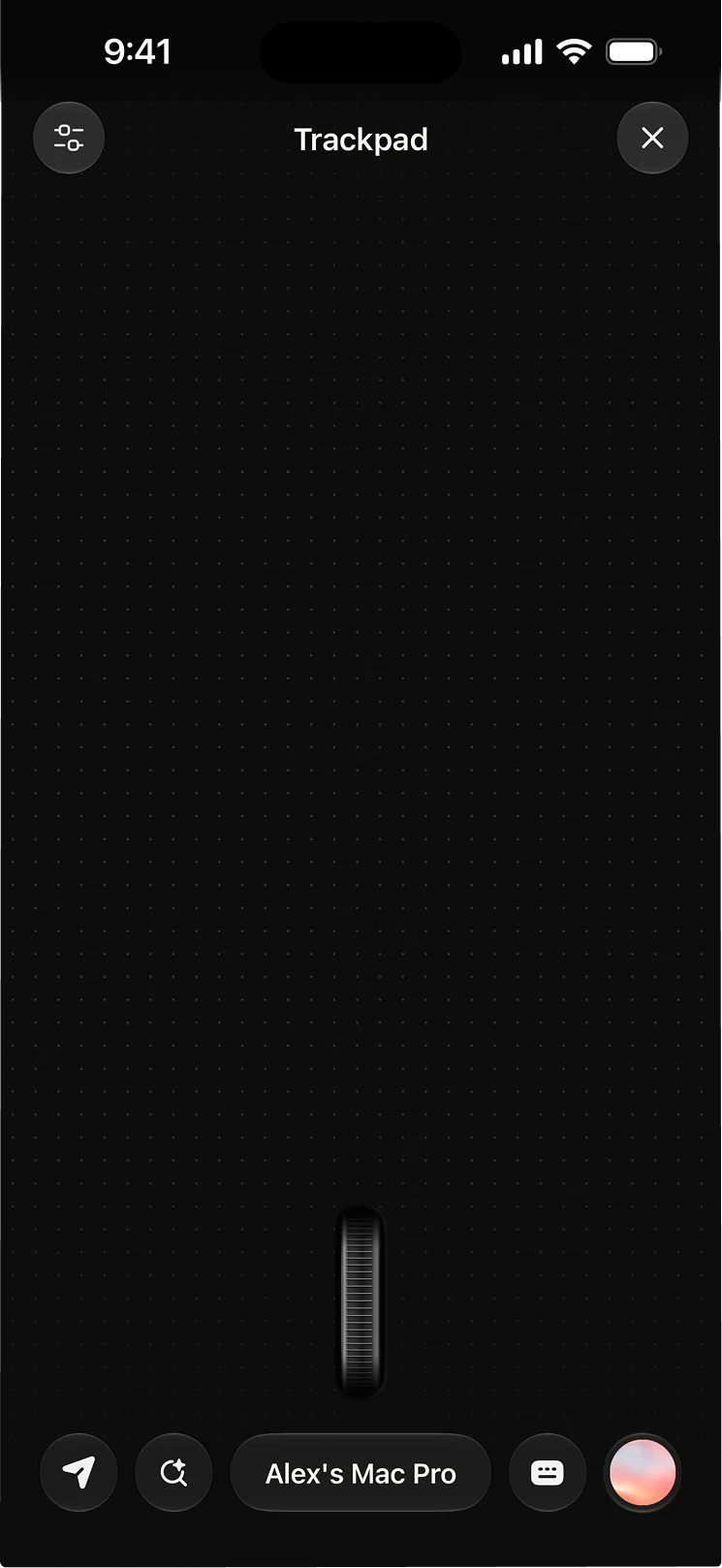
Precision touchpad
Move, click, scroll, and right-click on your Mac with natural iPhone gestures.

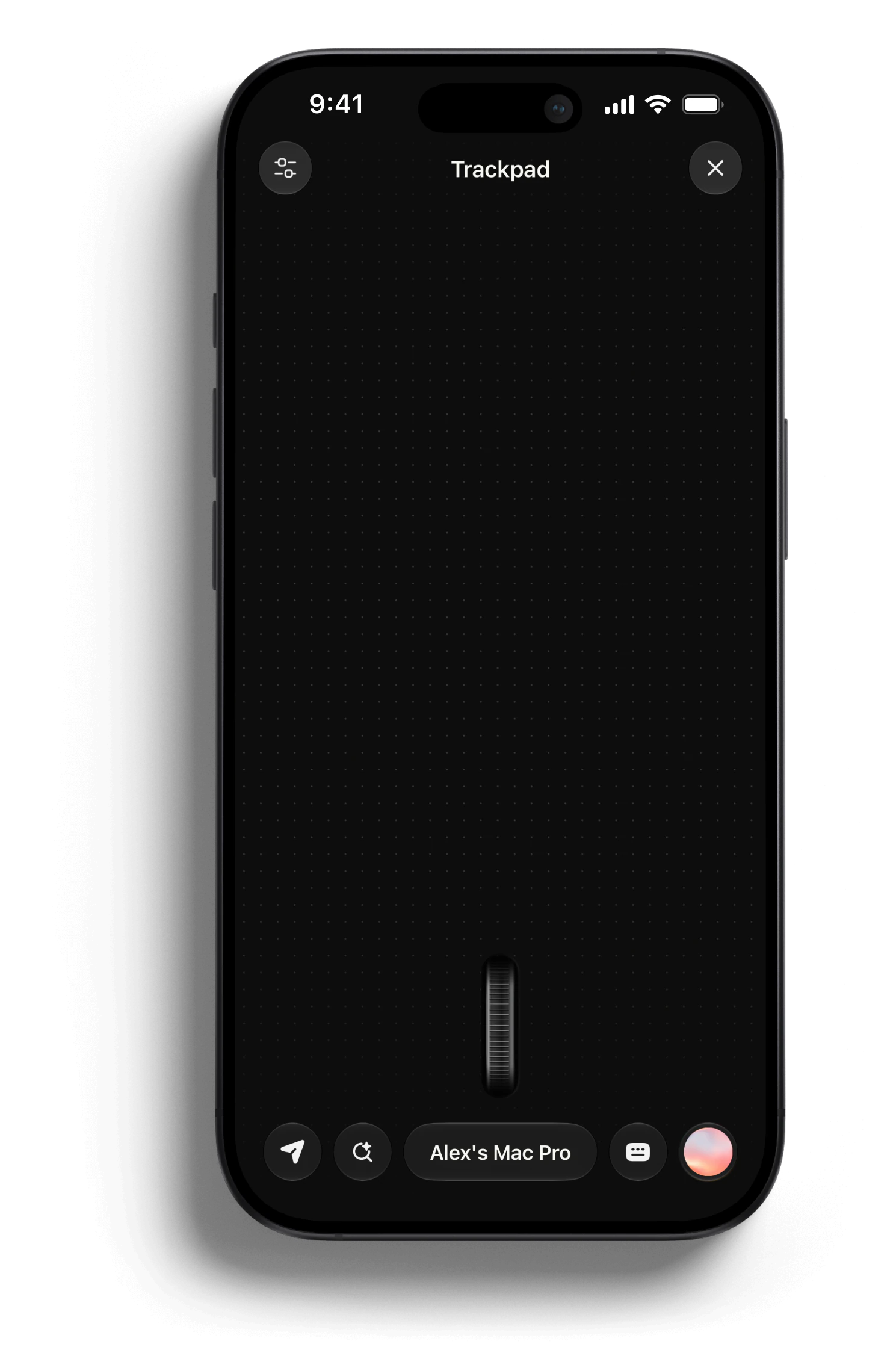

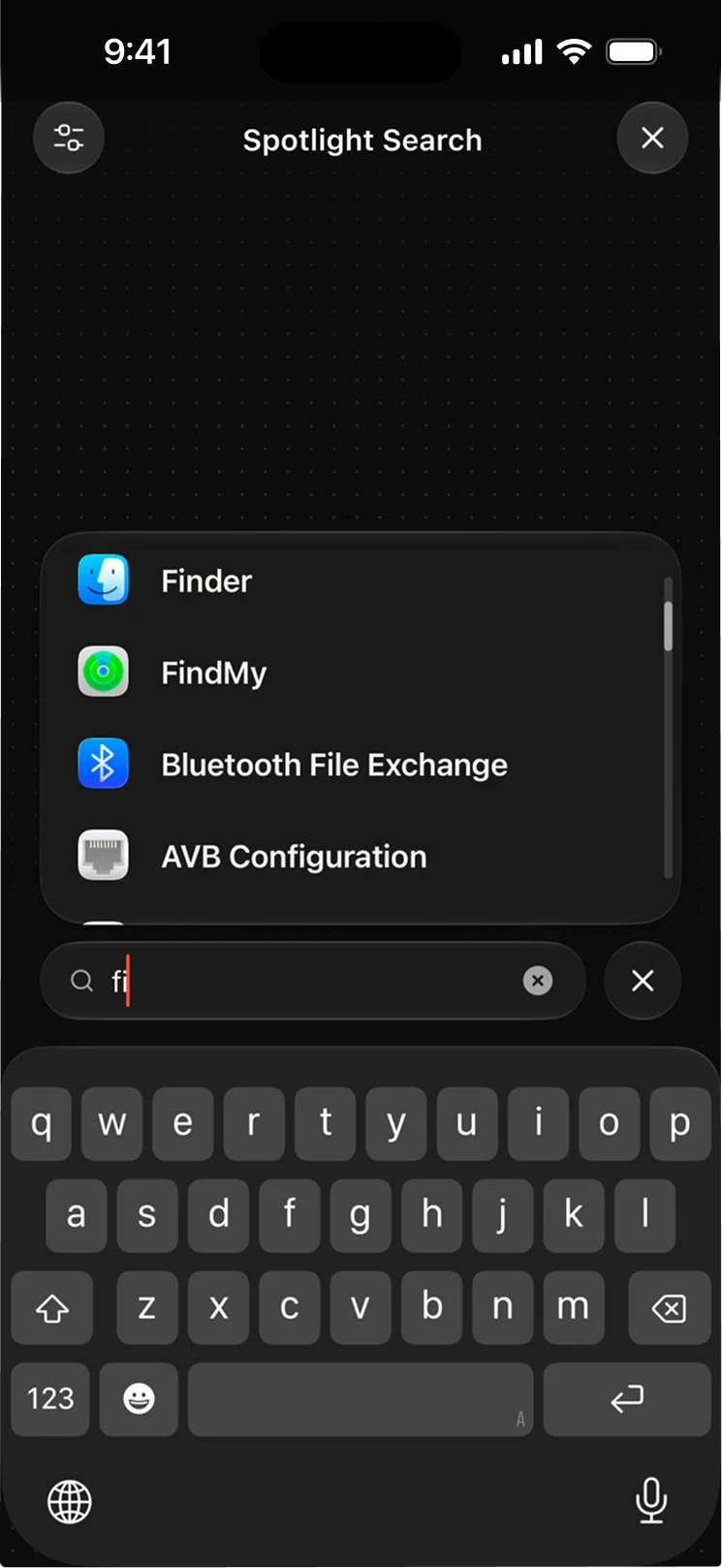
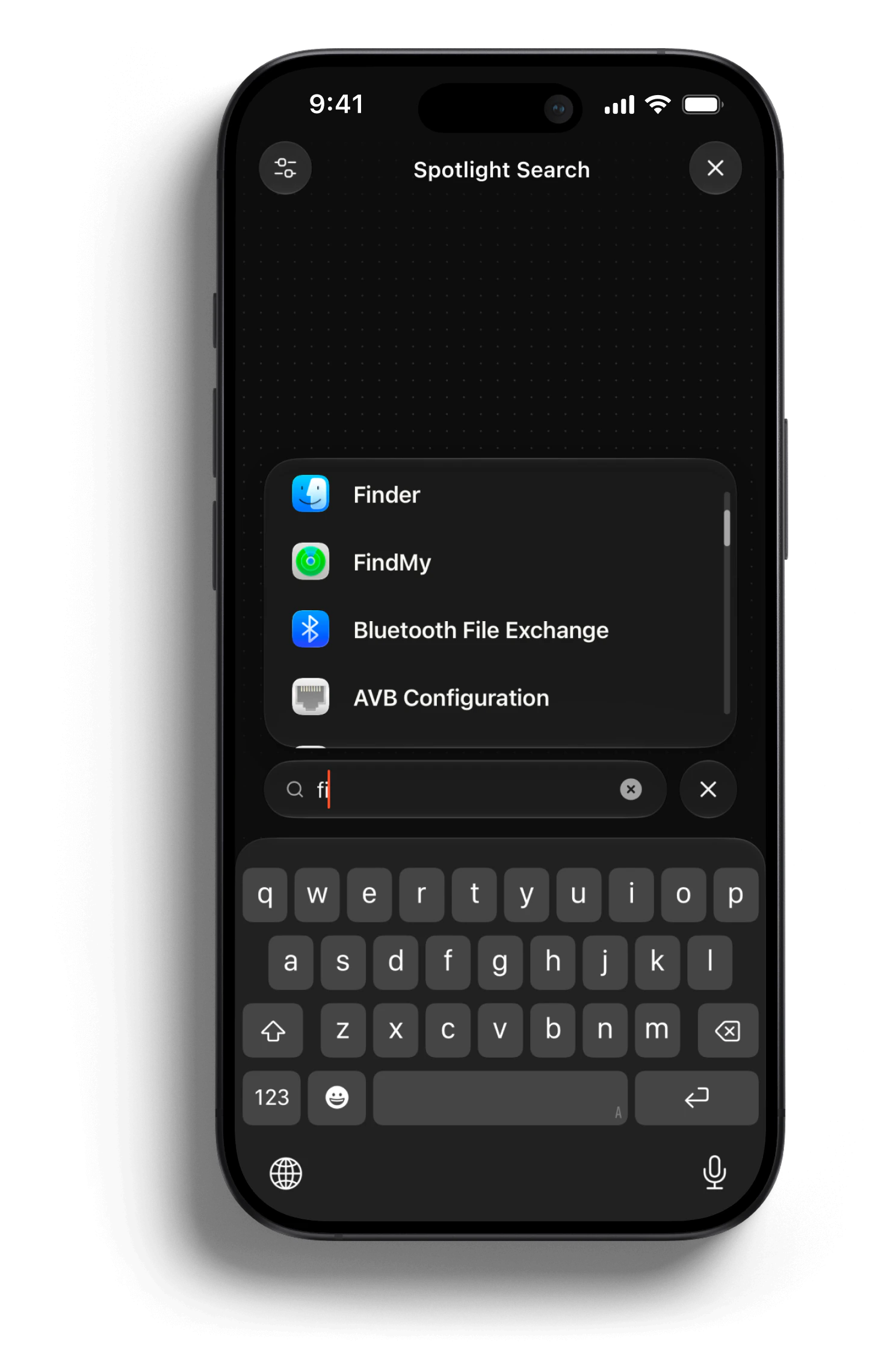
Spotlight search
Open Spotlight from your iPhone, type your search, and launch results instantly.

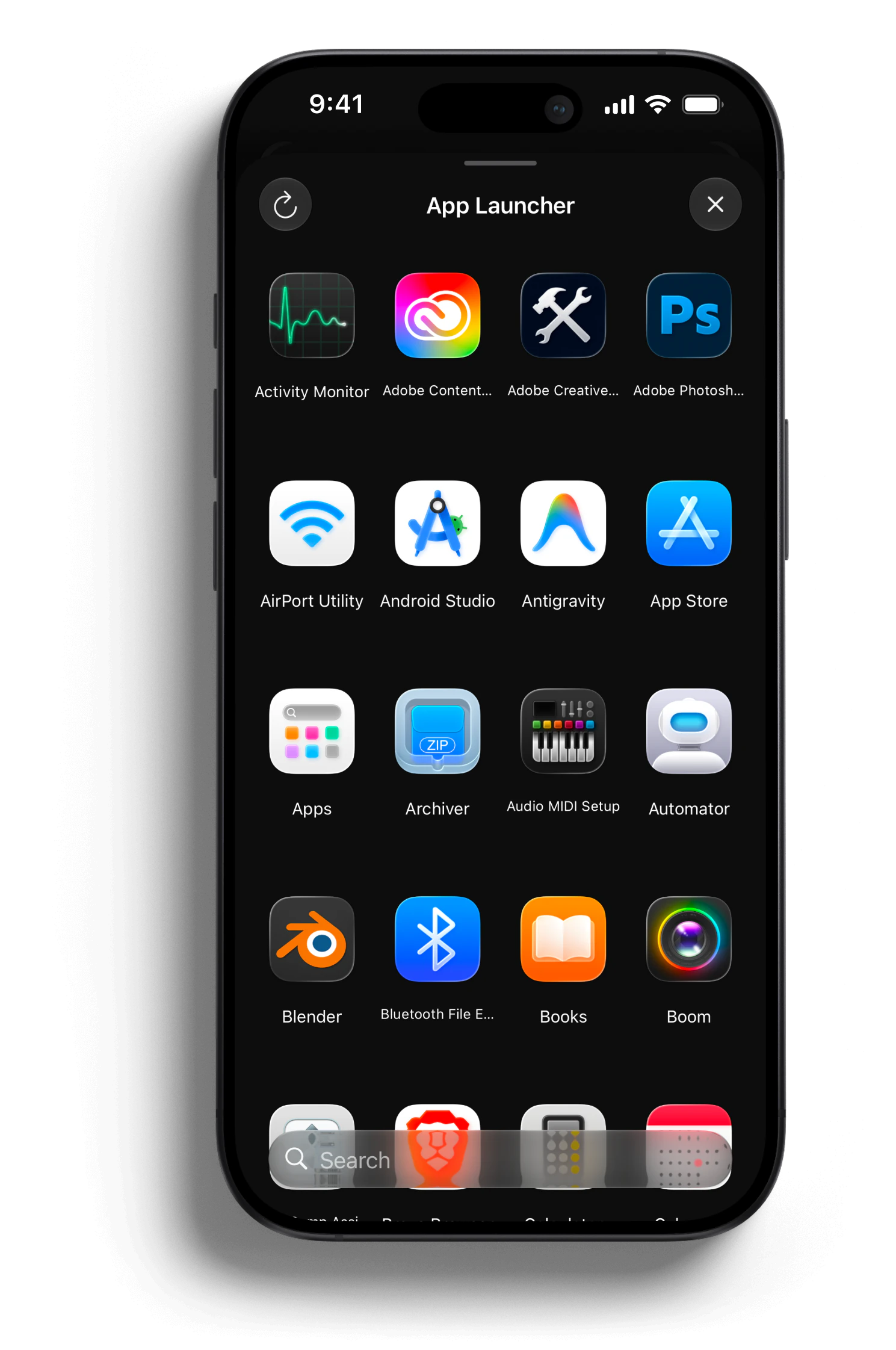
App Launcher
Browse the apps installed on your Mac and open any of them with a tap.

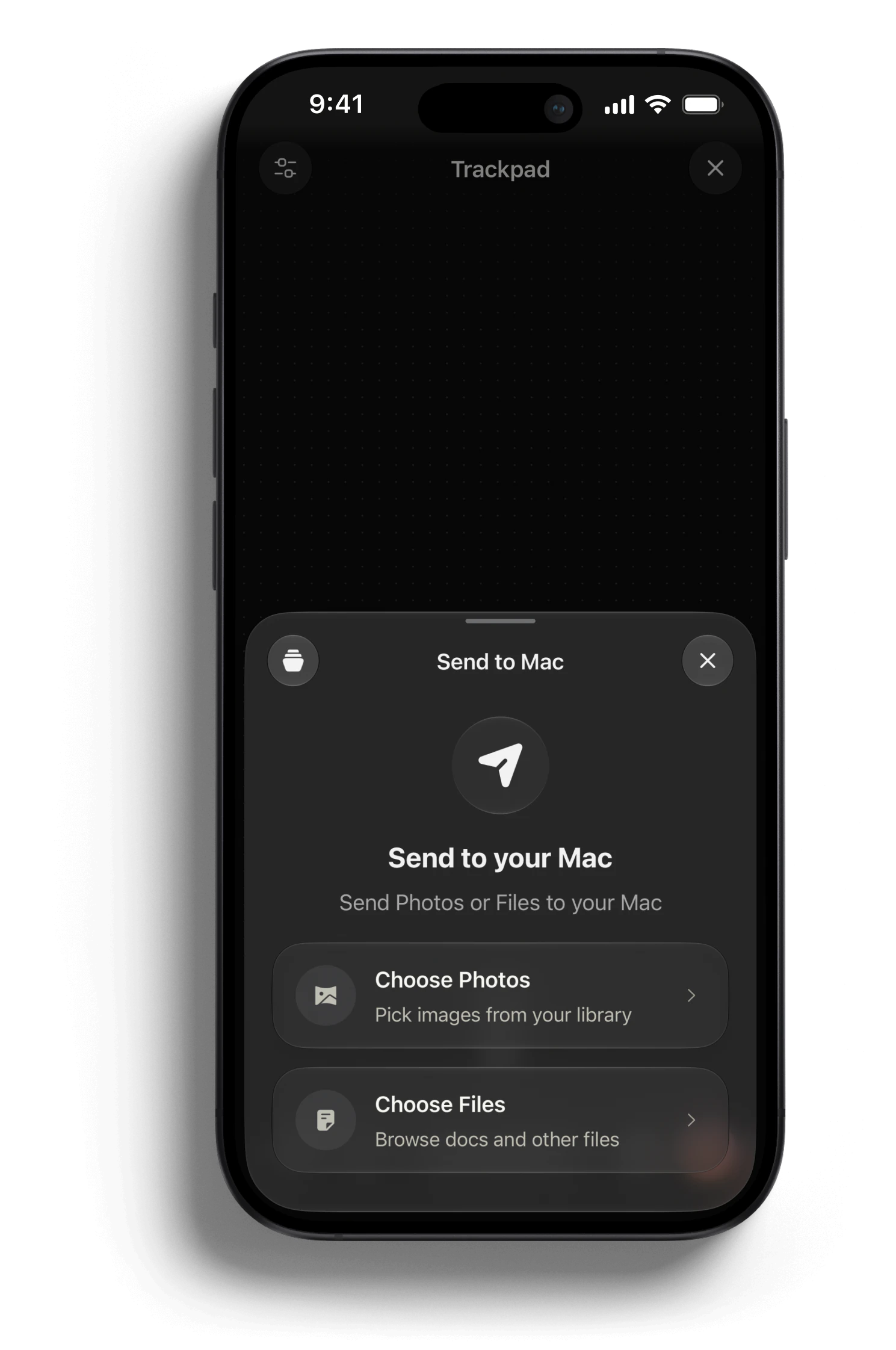
Send files to Mac
Pick photos and documents on your iPhone and send them straight to your Mac.

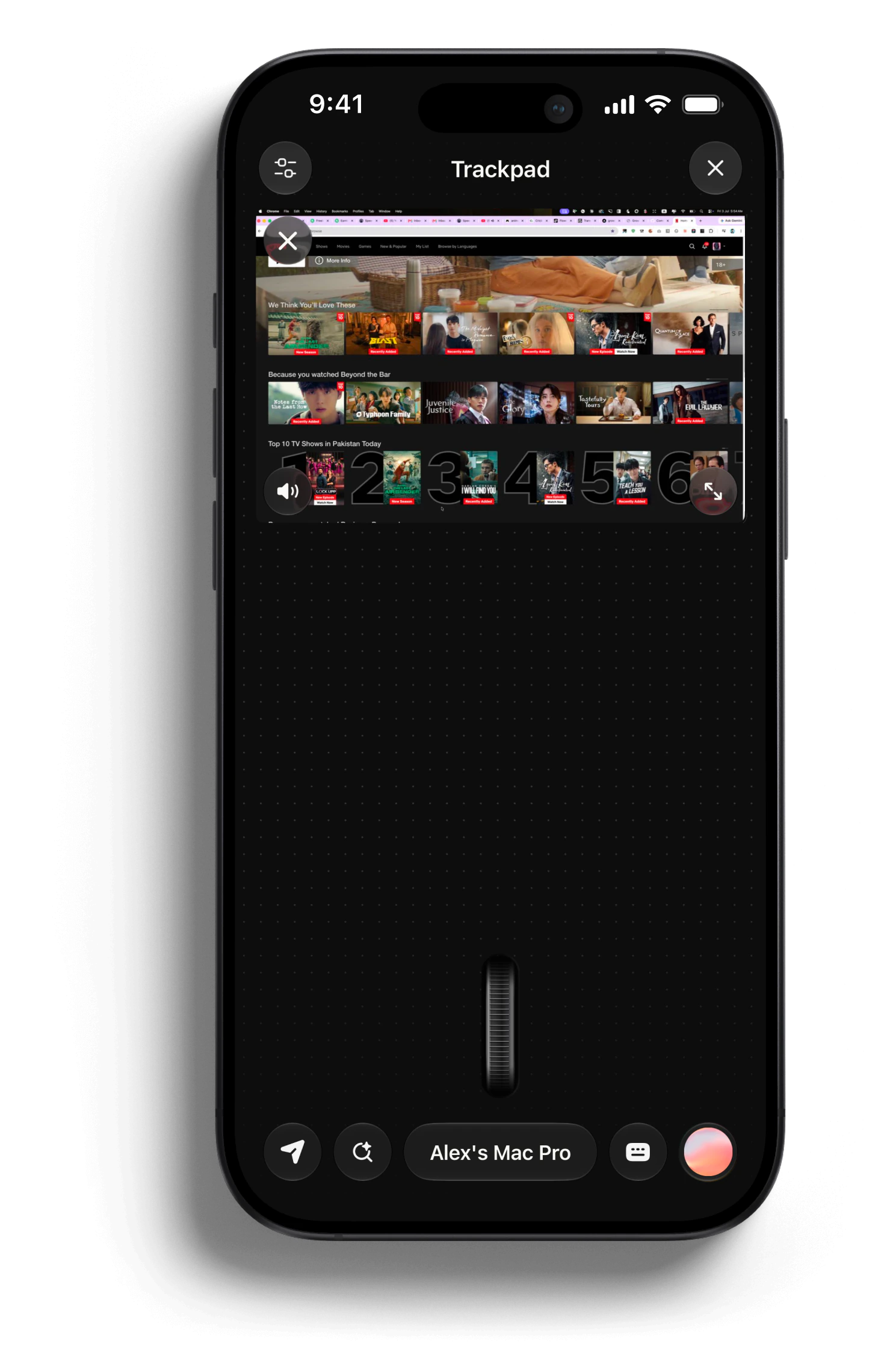
Live Mirroring
See your Mac screen on your iPhone and interact with it in real time.

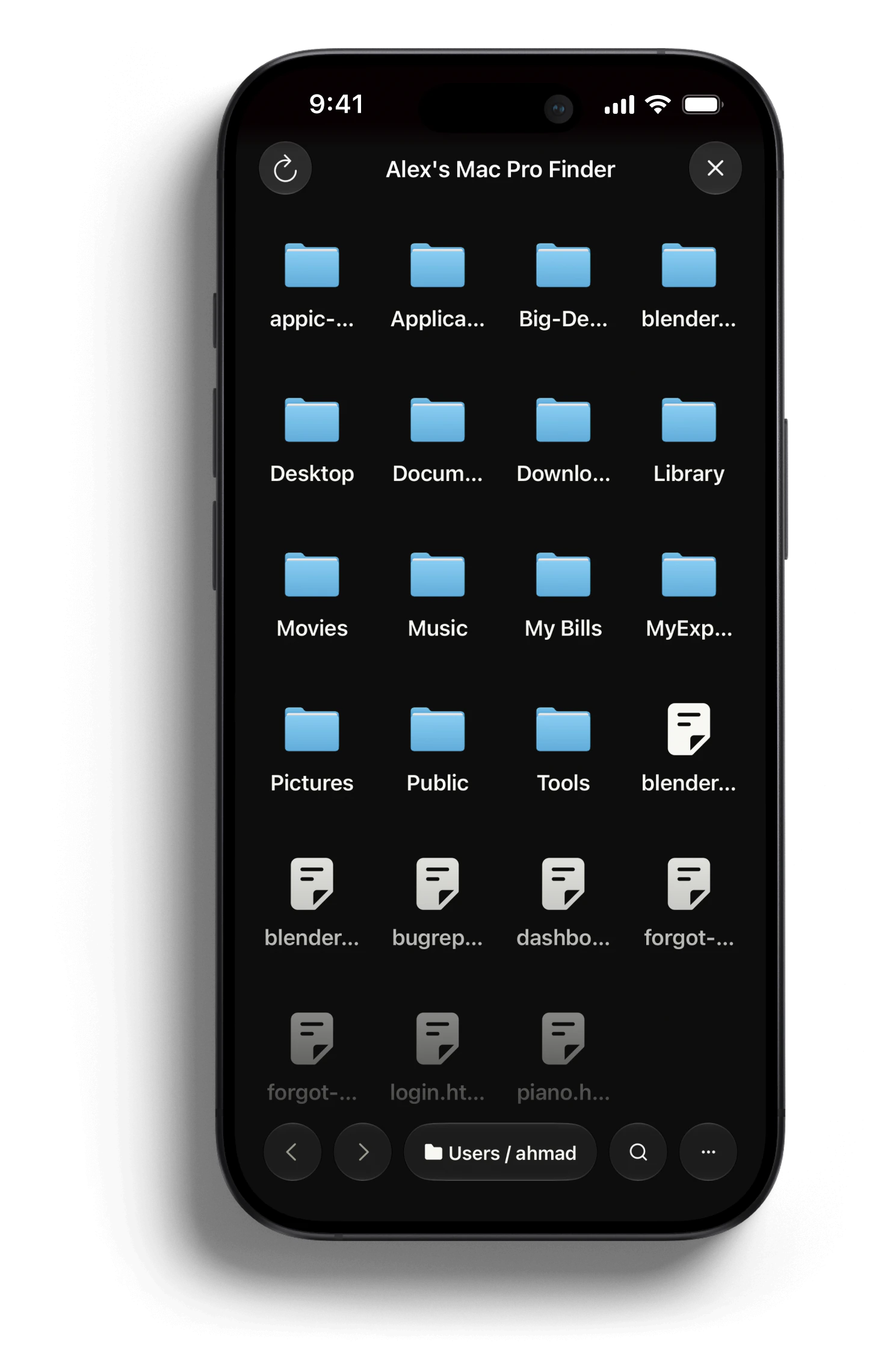
Mac Finder
Browse Mac folders, move files, and transfer documents straight to your phone.

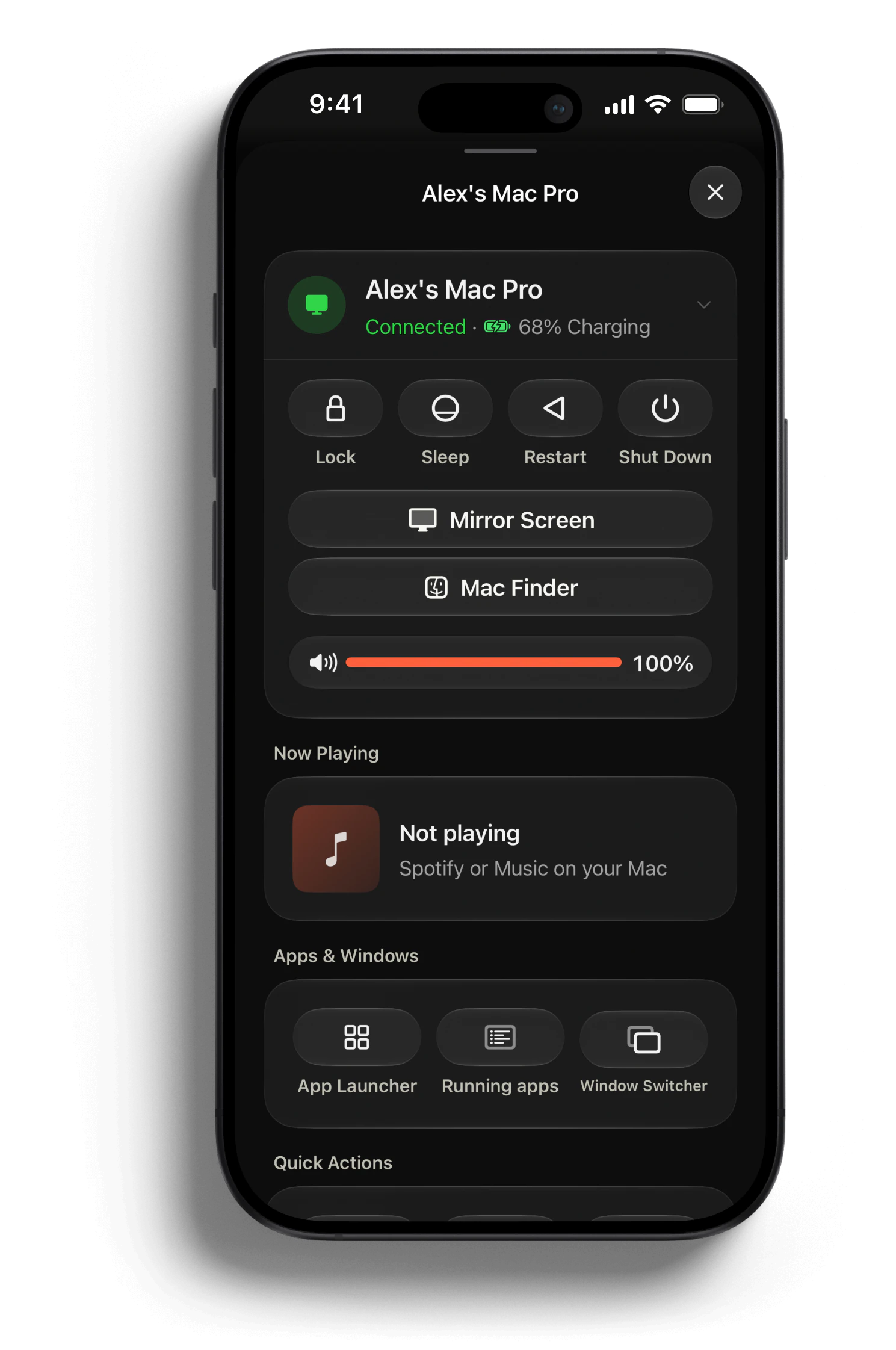
Power & vitals
Lock, sleep, restart, or shut down your Mac and check its vitals at a glance.

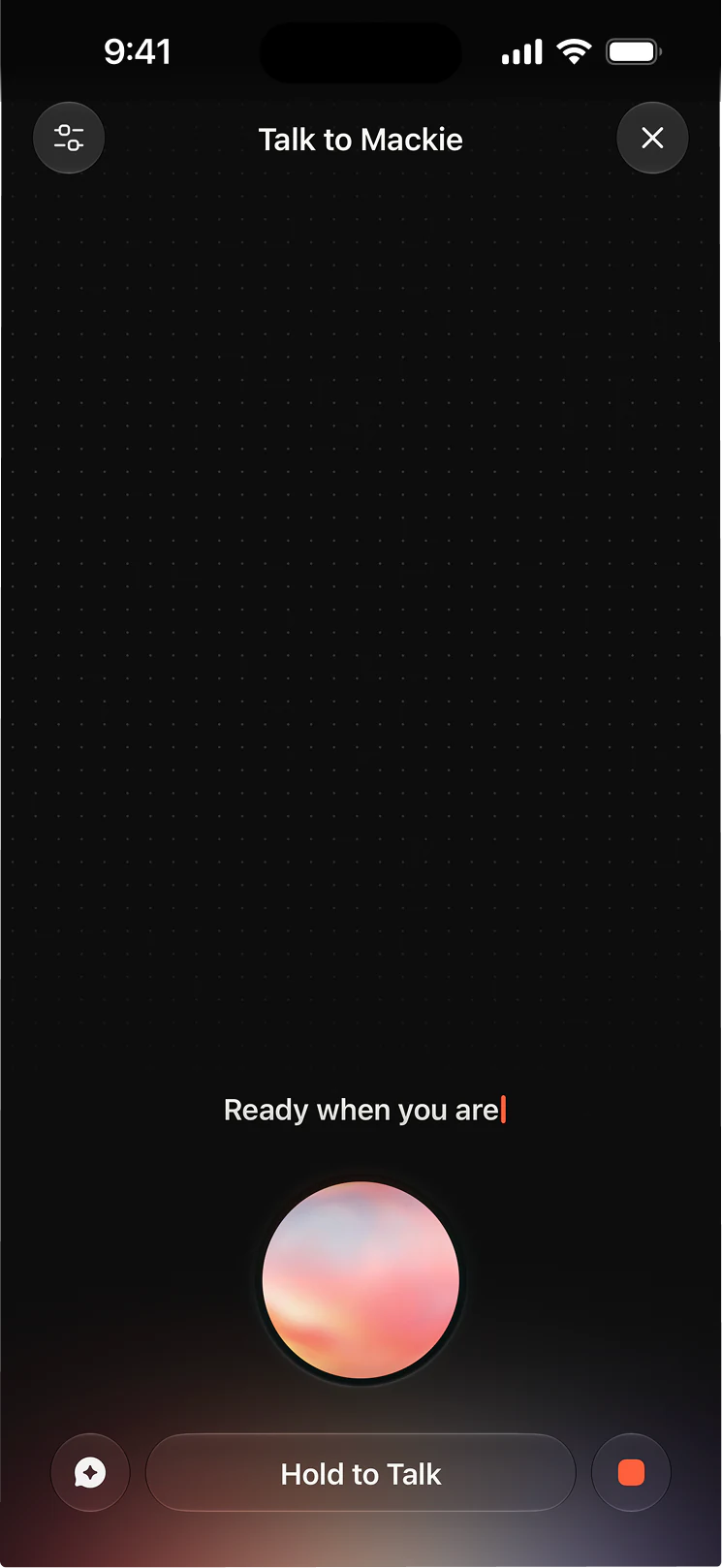
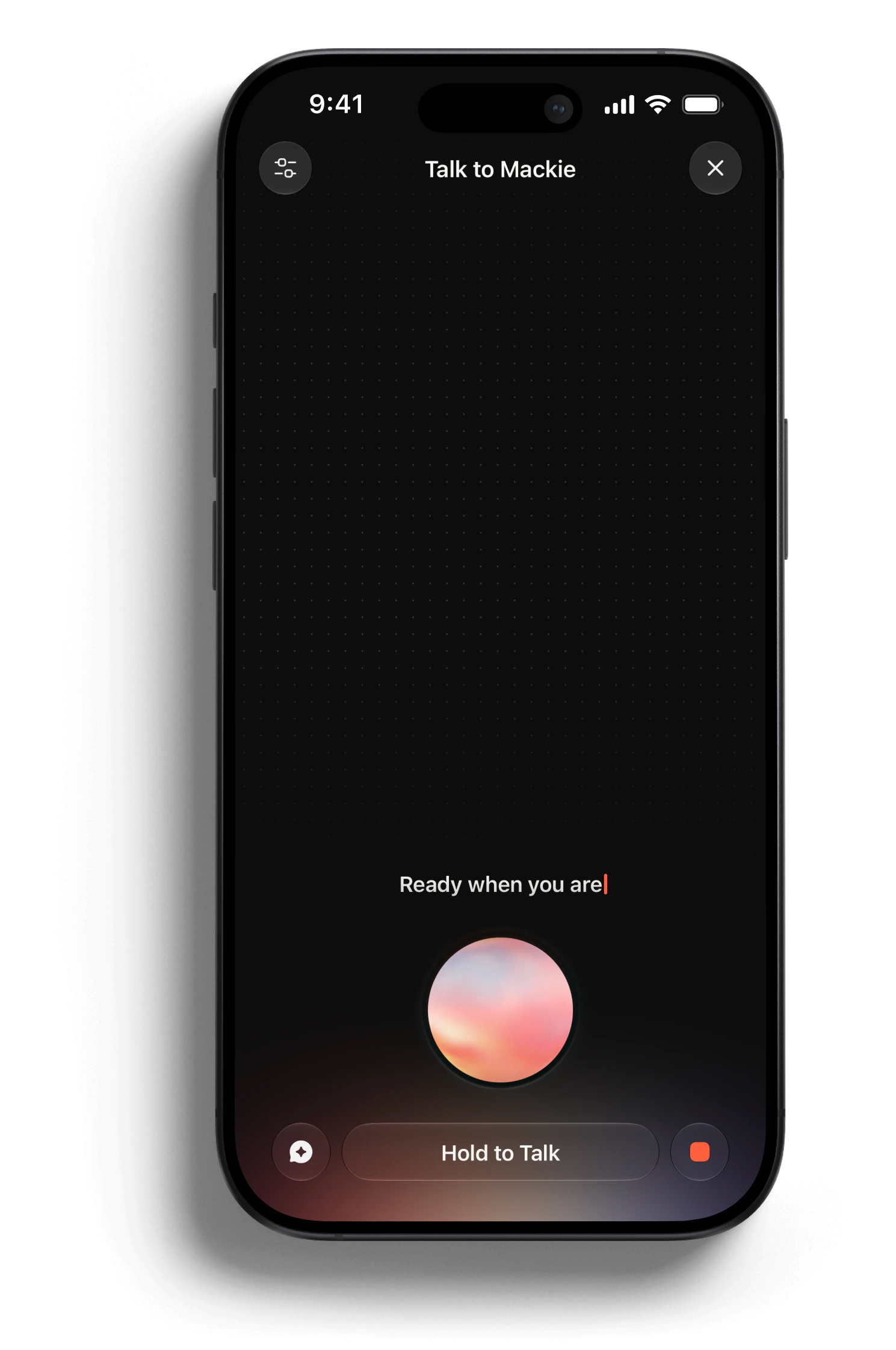
Talk to Mackie
Ask out loud and let Mackie, your Mac's AI agent, handle tasks while you move.

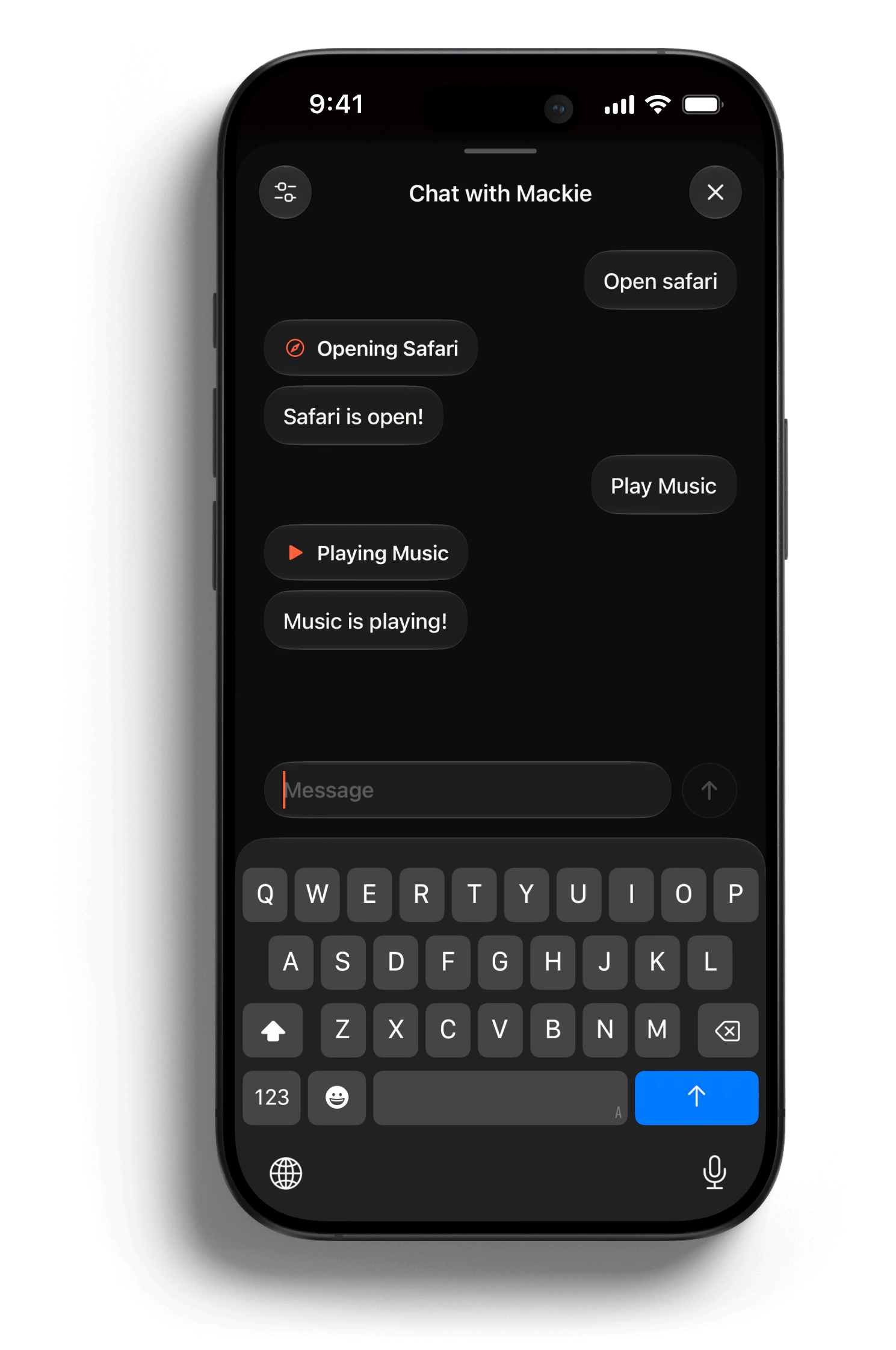
Chat with Mackie
Type a request when speaking isn't ideal and Mackie gets it done on your Mac.



testimonials
Control. Anywhere.
Loved by Mac users who work from their phone.

Product Designer
Developer
Freelance Writer
Studio Owner
Teacher
Tech Blogger
Retiree
Executive Assistant
College Student
pricing
Pick your plan
Start free on your local network. Upgrade for remote access, mirroring, and AI.

Free
$0 free forever

Includes:
Touchpad & keyboard control
Volume & media controls
Local network pairing
1 paired Mac

Monthly
$4.99/month

Everything in Free, plus:
Remote access anywhere
Mackie AI assistant + voice
Screen mirroring
Mac Finder & Send to Mac
Apps, windows & Spotlight
Unlimited paired Macs
Terminal, automations & theming

Yearly
$39.99/year · Save 33%

Everything in Free, plus:
Remote access anywhere
Mackie AI assistant + voice
Screen mirroring
Mac Finder & Send to Mac
Apps, windows & Spotlight
Unlimited paired Macs
Terminal, automations & theming

Loved on the App Store

Do I need to install anything on my Mac?
Yes. Install the free Maccess Helper on your Mac, then pair it with the iPhone app using the code or QR shown by the helper.
Does Maccess need internet to work?
Local control works on the same Wi-Fi network without routing through the cloud. Online Access uses the internet when you want to reach your Mac from anywhere.
Does my Mac need to be on?
Your Mac needs to be awake, connected, and running Maccess Helper. You can use Maccess to lock, sleep, restart, or shut down the Mac once it is connected.
What can I control from my iPhone?
You can use touchpad gestures, type with the iPhone keyboard, control volume and media, launch apps, manage windows, browse files, mirror the screen, and run AI-assisted tasks.
Is Maccess secure?
Pairing is explicit and device-based. Local sessions stay on your network, and Online Access uses your signed-in Maccess account so only your trusted devices can connect.
Does Mackie cost extra?
Mackie is part of Pro. Some AI setups may also require your own Claude Code or provider account on the Mac, depending on the assistant mode you choose.
Which devices are supported?
Maccess is built for iPhone and Mac. The current target is iOS 17 or newer on iPhone and macOS 14 or newer for Maccess Helper.
Your Mac, ready from your iPhone
Pair once, then use touchpad, keyboard, mirroring, file access, and Mackie from your phone.


iPhone

Mac

